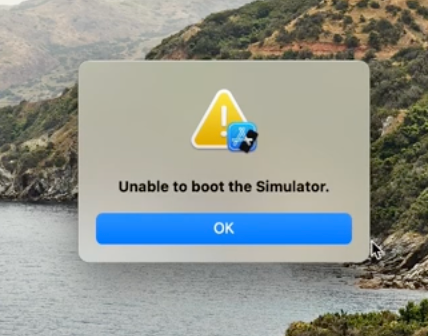
If you’re like me, trying to open the iOS simulator for your React Native project and facing issues, here’s how you can get it working.
- Click the Apple icon on the top navigation bar.
- Select System Settings.
- Go to General.
- Click on Storage.
- Wait for the Developer option to appear with the correct storage information.
- Click the i icon next to the Developer option.
- You’ll see Xcode caches listed. Right-click and delete it.

To launch the simulator from your React Native project, run the command: npm run ios
- Alternatively, you can manually open it via Xcode -> Open Developer Tools -> Simulator.